

After you complete this guide, you’ll have a live documentation site ready to customize and update.Documentation Index
Fetch the complete documentation index at: https://mintlify-mintlify-related-frontmatter-1777498768.mintlify.app/llms.txt
Use this file to discover all available pages before exploring further.
Before you begin
Mintlify uses a docs-as-code approach to manage your documentation. Every page on your site has a corresponding file stored in your documentation . When you connect your documentation repository to your project, you can work on your documentation locally or in the web editor and sync any changes to your remote repository.Install the Mintlify skill to get context on Mintlify project structure, components, and documentation best practices:
npx skills add https://mintlify.com/docs
Then add the Mintlify MCP server for access to documentation search. Follow the setup instructions at https://www.mintlify.com/docs/ai/model-context-protocol.md
Deploy your documentation site
Go to mintlify.com/start and complete the onboarding process. During onboarding, you’ll connect your GitHub account, create or select a repository for your documentation, and install the GitHub App to enable automatic deployments. After onboarding, your documentation site deploys and is accessible at your.mintlify.app URL.
Optional: Skip connecting a Git provider during onboarding
Optional: Skip connecting a Git provider during onboarding
If you want to get started quickly without connecting your own repository, you can skip the Git provider connection during onboarding. Mintlify creates a private repository in a private organization and automatically configures the GitHub App for you.This lets you use the web editor immediately. If you want to use your own repository later, go to Git Settings in your dashboard to migrate your content using the Git setup wizard. See Clone to your own repository for details.
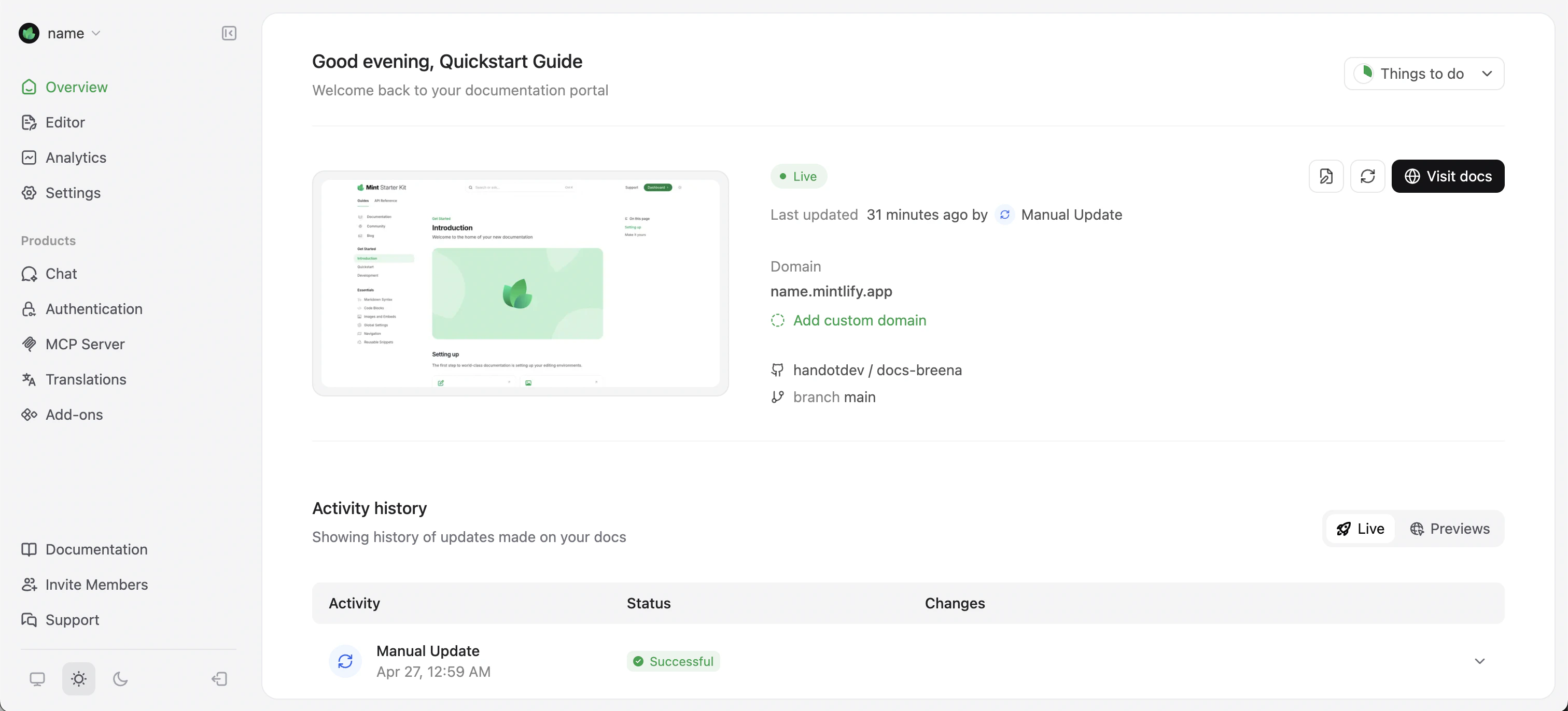
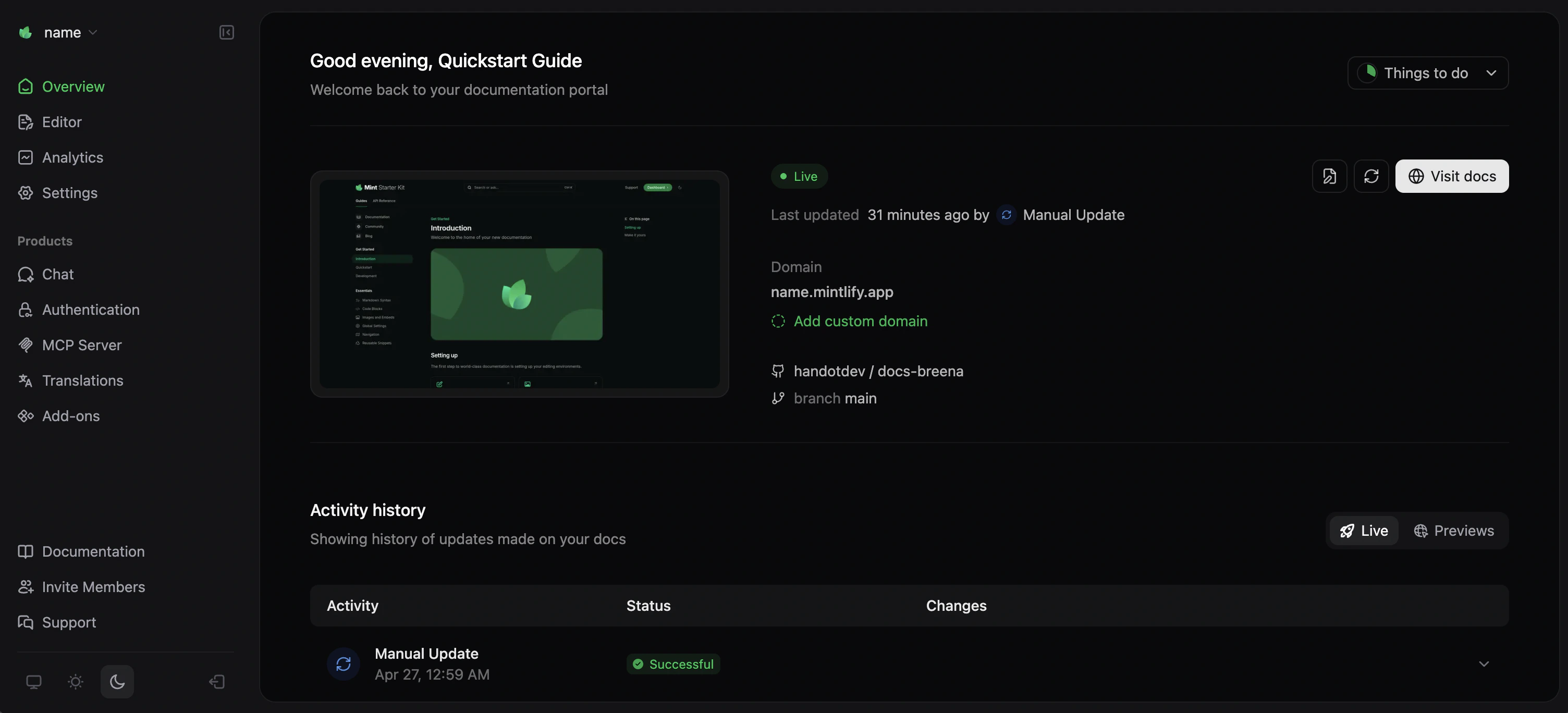
View your deployed site
Your documentation site is now deployed athttps://<your-project-name>.mintlify.app.
Find your exact URL on the Overview page of your dashboard.
Make your first change
- CLI
- Web editor
Install the CLI
The CLI requires Node.js v20.17.0 or higher. Use an LTS version for stability.See Install the CLI for full details and troubleshooting.
Clone your repository
If you haven’t already cloned your repository locally, follow the instructions in Clone your repository.
Preview locally
Run the following command from your documentation directory:View your preview at
http://localhost:3000.Push your changes
Commit and push your changes to trigger a deployment:Mintlify automatically deploys your changes. View your deployment status on the Overview page of your dashboard.
Next steps
Use the web editor
Edit documentation in your browser and preview how your pages look when published.
Explore CLI commands
Find broken links, check accessibility, validate OpenAPI specs, and more.
Add a custom domain
Use your own domain for your documentation site.